

On this page
Chats
Chat with the whole group, a member group or a few members in the app, react with emojis, reply to messages and attach pictures and files.
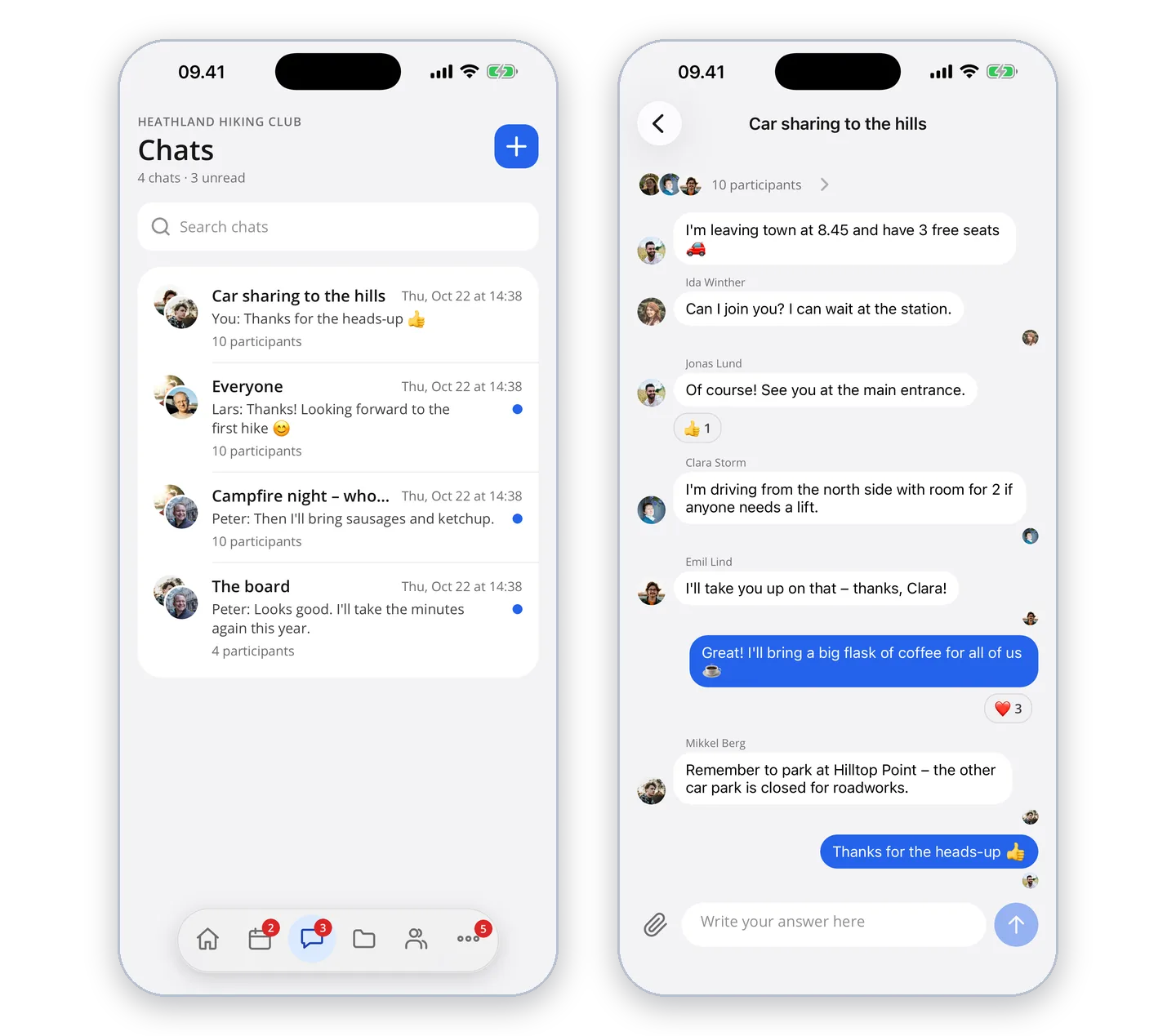
Under "Chats" you write with the whole group, a member group or a few members. Tap "+" to create a new chat, choose the recipients and write your message. You can attach photos and files.
Messages
Hold your finger on a message to react with an emoji or reply to that message. On your own messages you can also edit or delete.
Participants and notifications
Tap the participants at the top of the chat to add members, turn off notifications for the chat or leave it.