
On this page
Create group
It is quite simple to create a new iGroup. Enter the name, description, and optionally group rules. You must also choose whether your users need to accept the rules before they can use the group.
You start with a 14-day trial period, so it is completely free to get started. You also do not need a credit card or anything similar. It is entirely up to you whether you want to continue when the trial period ends.
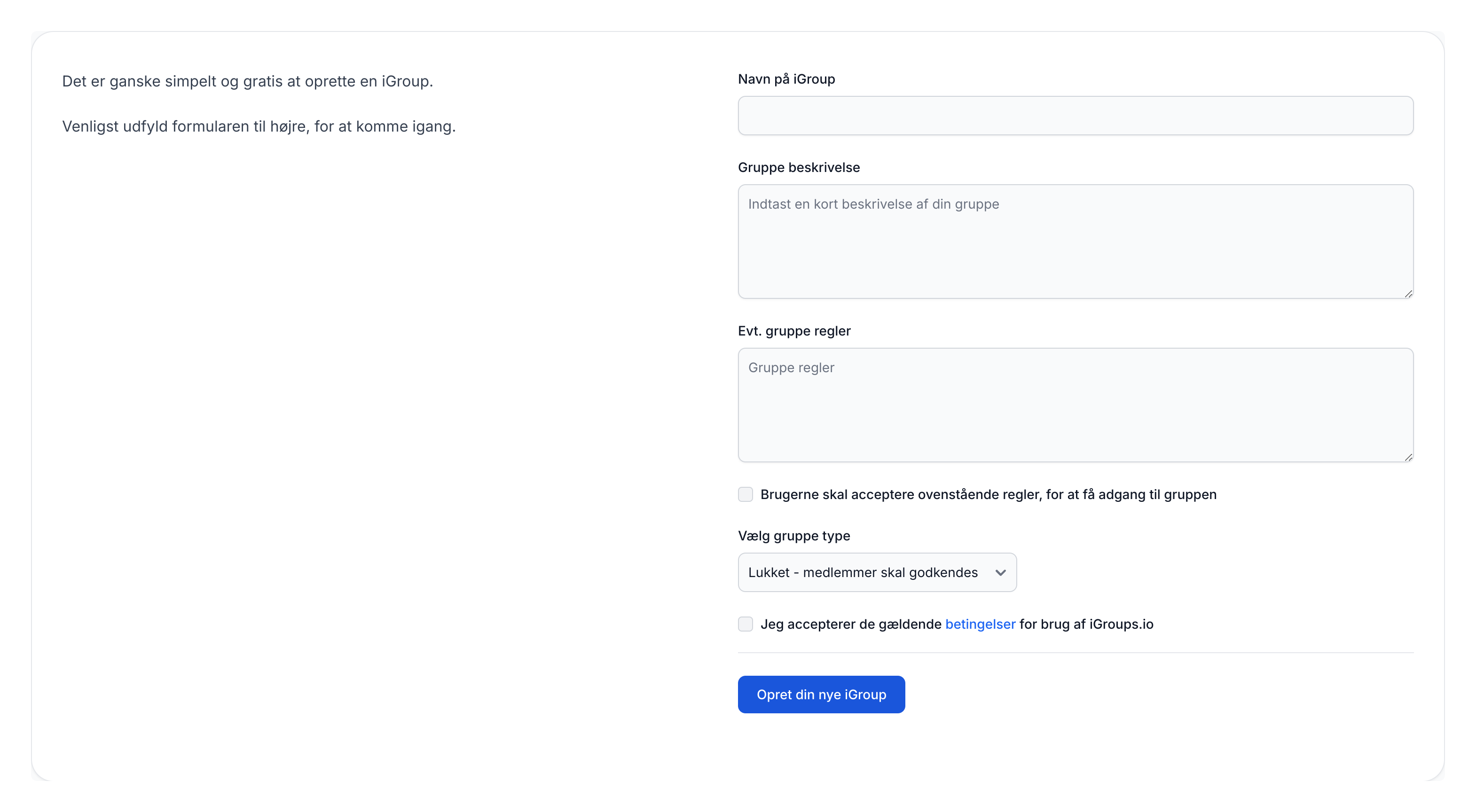
Group type
- Open - everyone can become a member
- Closed - members must be approved
- Private - members must be invited
Finally, click "Create your new iGroup" and the group will be created for you. After that, you can start inviting users and adding content to your new group.