

On this page
Profile and settings
Edit your profile in the app, choose your settings for each group, open a support case, and log out.
Edit profile
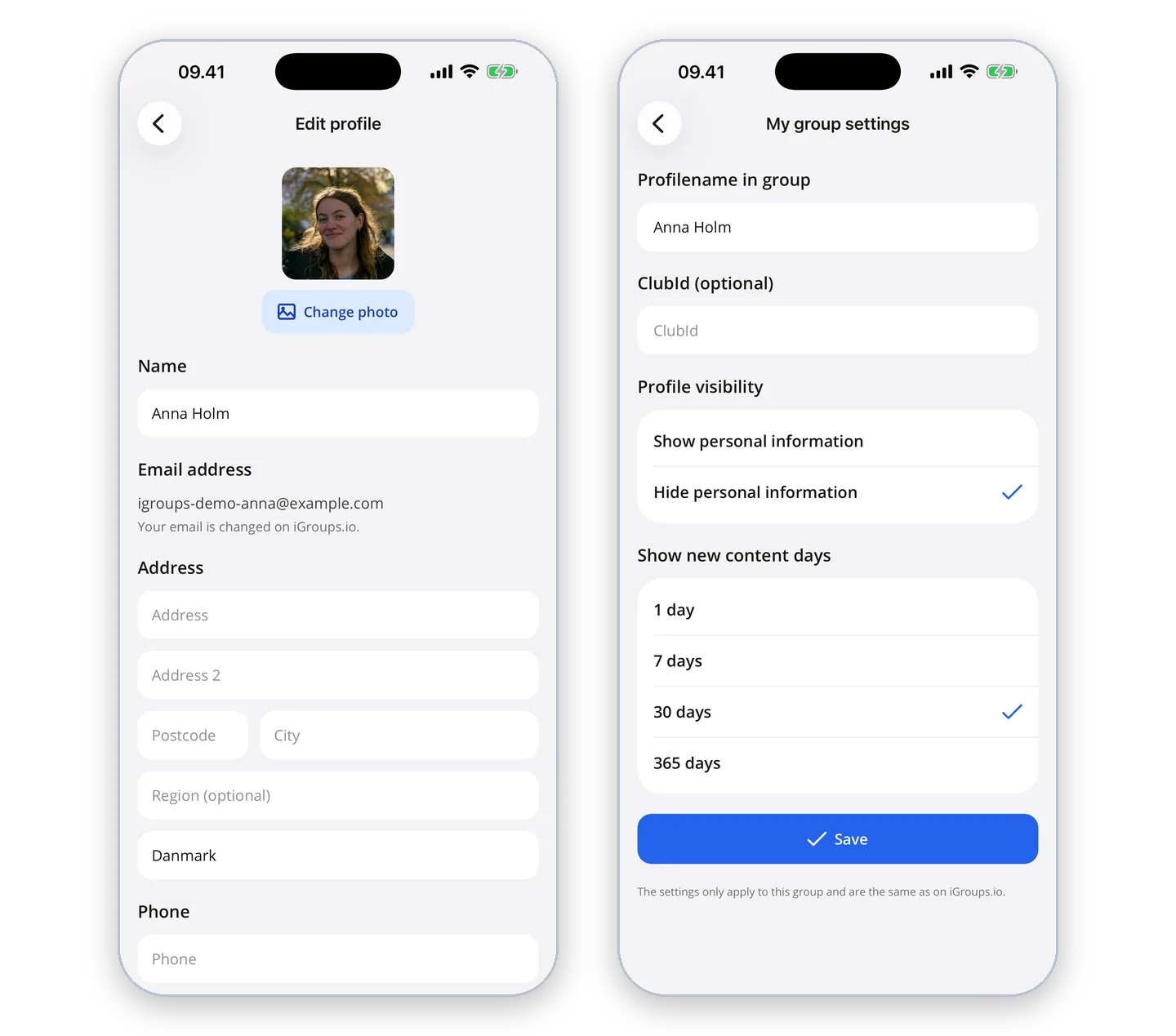
Under "More" → "Edit profile" you change your name, picture, address, phone, birthday, language, time zone and date format. Your profile is the same in all your groups and on igroups.io.
My group settings
Under "More" → "My group settings" you choose what only applies in the selected group: your profile name in the group, who can see your profile, your profile tags and how long new things are shown as new.
Support and log out
If you need help, you can create a support ticket under "More" → "Support". At the bottom of "More" you can log out.