
On this page
Forum
The forum system allows you to create different categories where people can create new topics in each category. Comments can be added to each topic by the group's users.
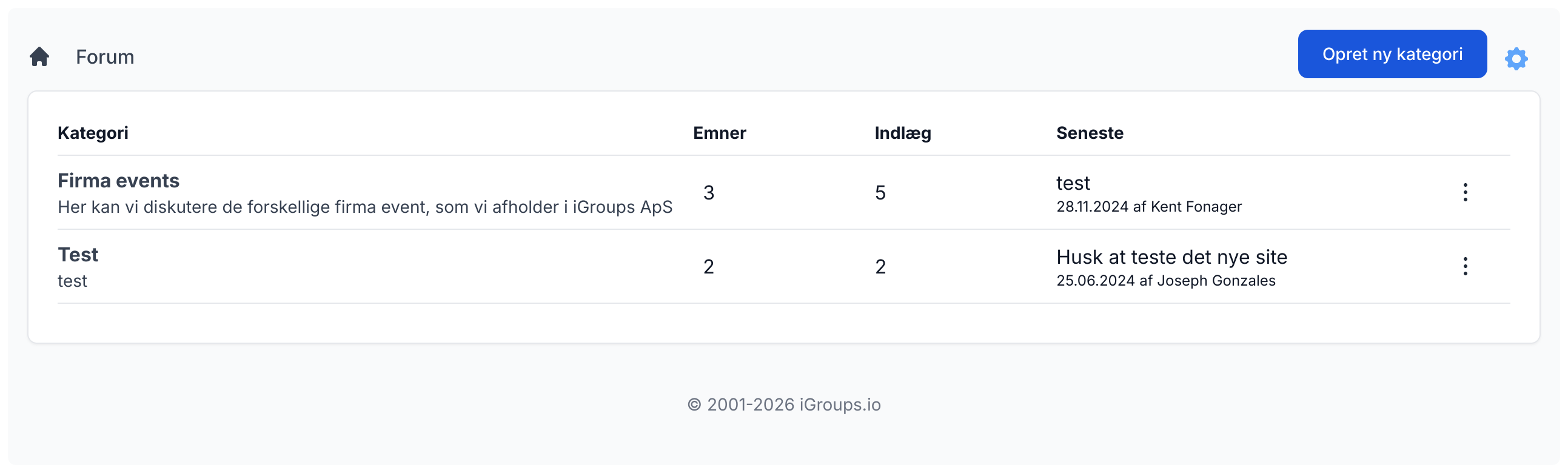
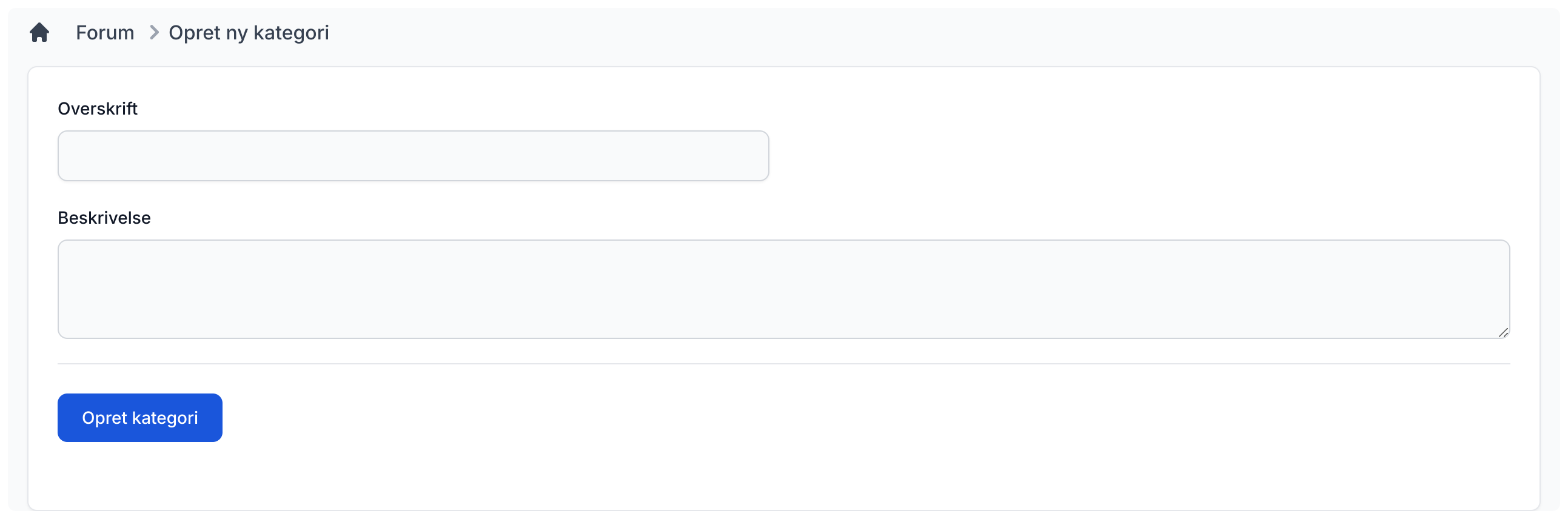
Create category
To create a new category, enter a title and a description so users know what it contains. Then click the "Create category" button. The category will be created and you will be taken to it.
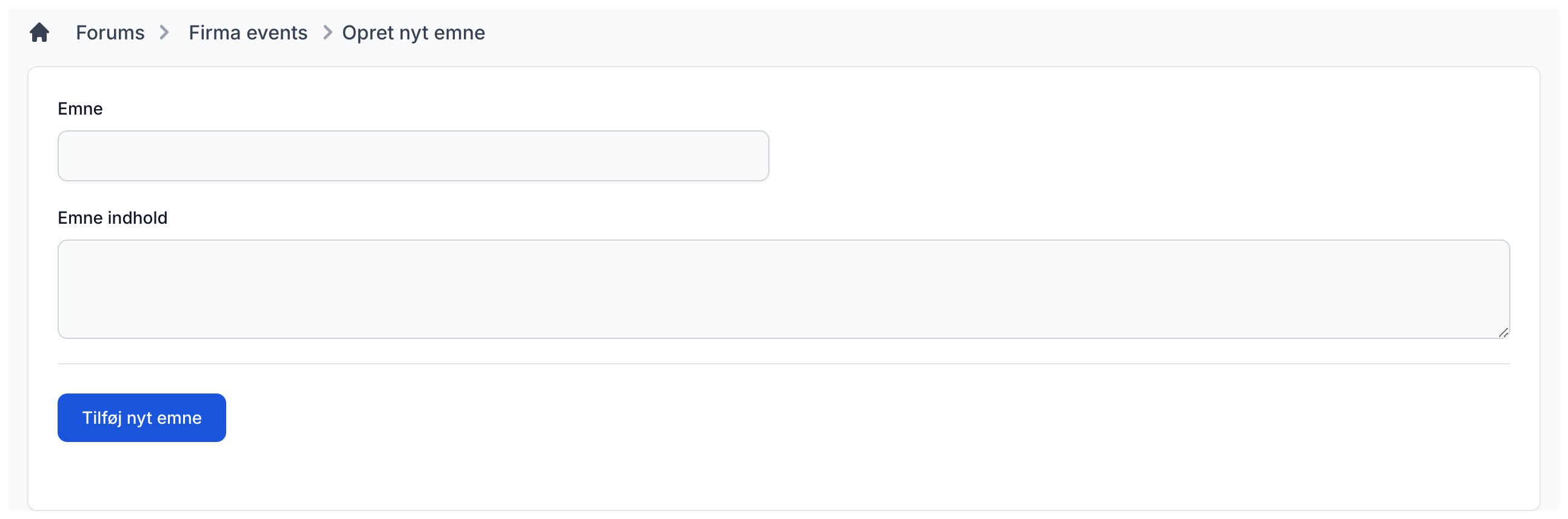
Create new topic
When you are in a category, you can create a new topic by clicking the "Create new topic" button. This takes you to the page below, where you enter the topic title and content. Then click the "Add new topic" button and it will be created.
Add reply to topic
When you are inside a topic, you can always add your own reply by filling in the input field and then clicking the "Send message" button.
Settings
By clicking the gear icon in the top-right corner, you can choose whether only admins or everyone may create new categories.