
On this page
Get the app and log in
Get the free iGroups app for iPhone, iPad or Android, log in with your igroups.io profile, and use an invitation code to join a group.
The app is free and needs iOS 15 or Android 8.0 or newer.
Get the app
- iPhone and iPad: Get iGroups on the App Store
- Android: Get iGroups on Google Play
You can also search for "iGroups" on the App Store or Google Play.
Log in
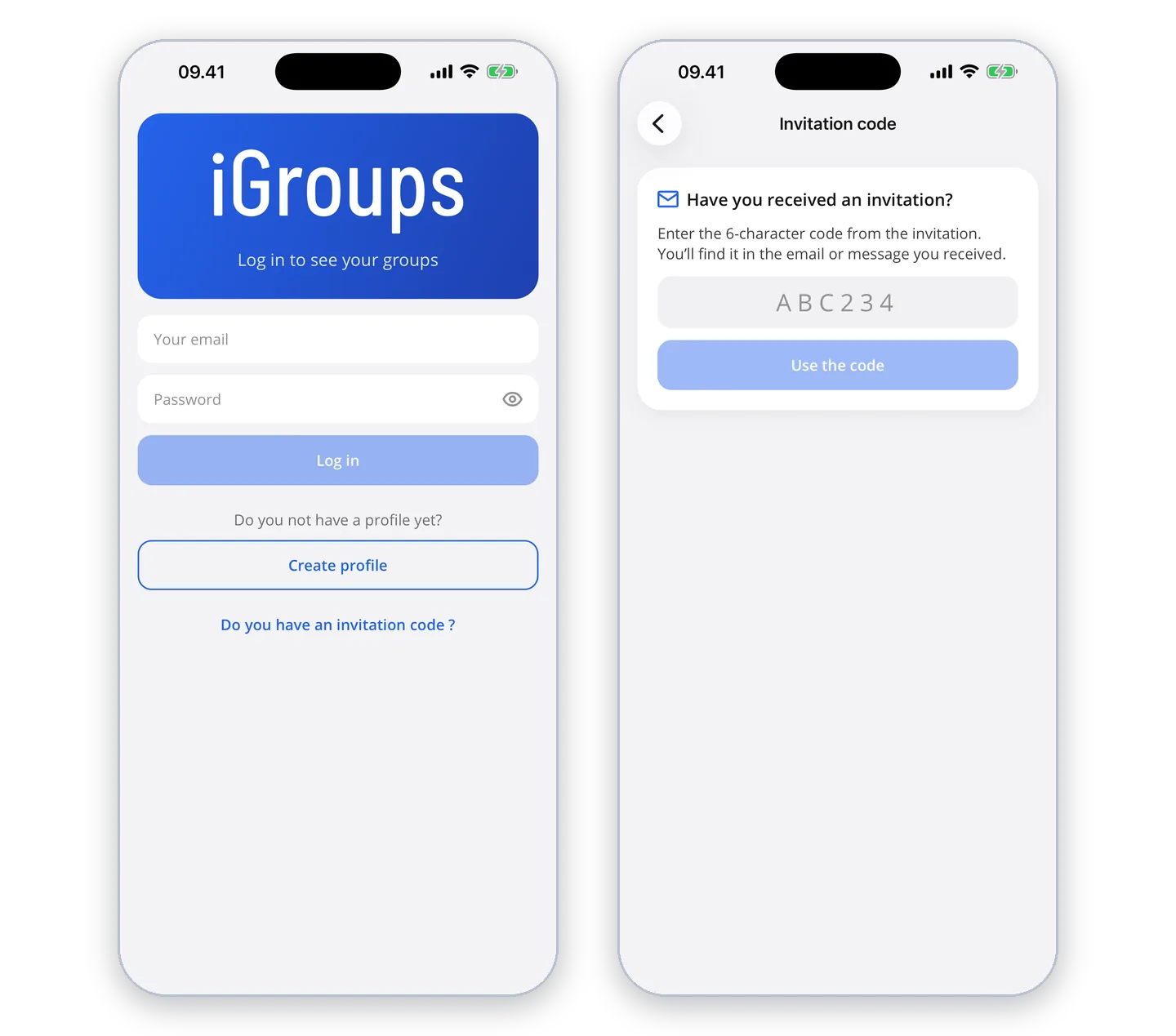
The first time you open the app, you get a short introduction that you can skip. Then log in with the same email and password you use on igroups.io. You do not need to create a new profile.
If you do not have a profile yet, you can create one right in the app under "Create profile".
If you have forgotten your password, reset it on igroups.io and log in to the app with the new one.
Invitation code
If you have received an invitation code of 6 characters, enter it under "Do you have an invitation code?" when you log in, and you join the group. If you are already logged in, you find "Use invitation code" under "More".