
On this page
Free text pages
Free text pages allow members to create "raw" HTML pages that become available in the menu. You can change the order by clicking the arrows in the overview. Click the three dots next to a free text page to edit or delete it.

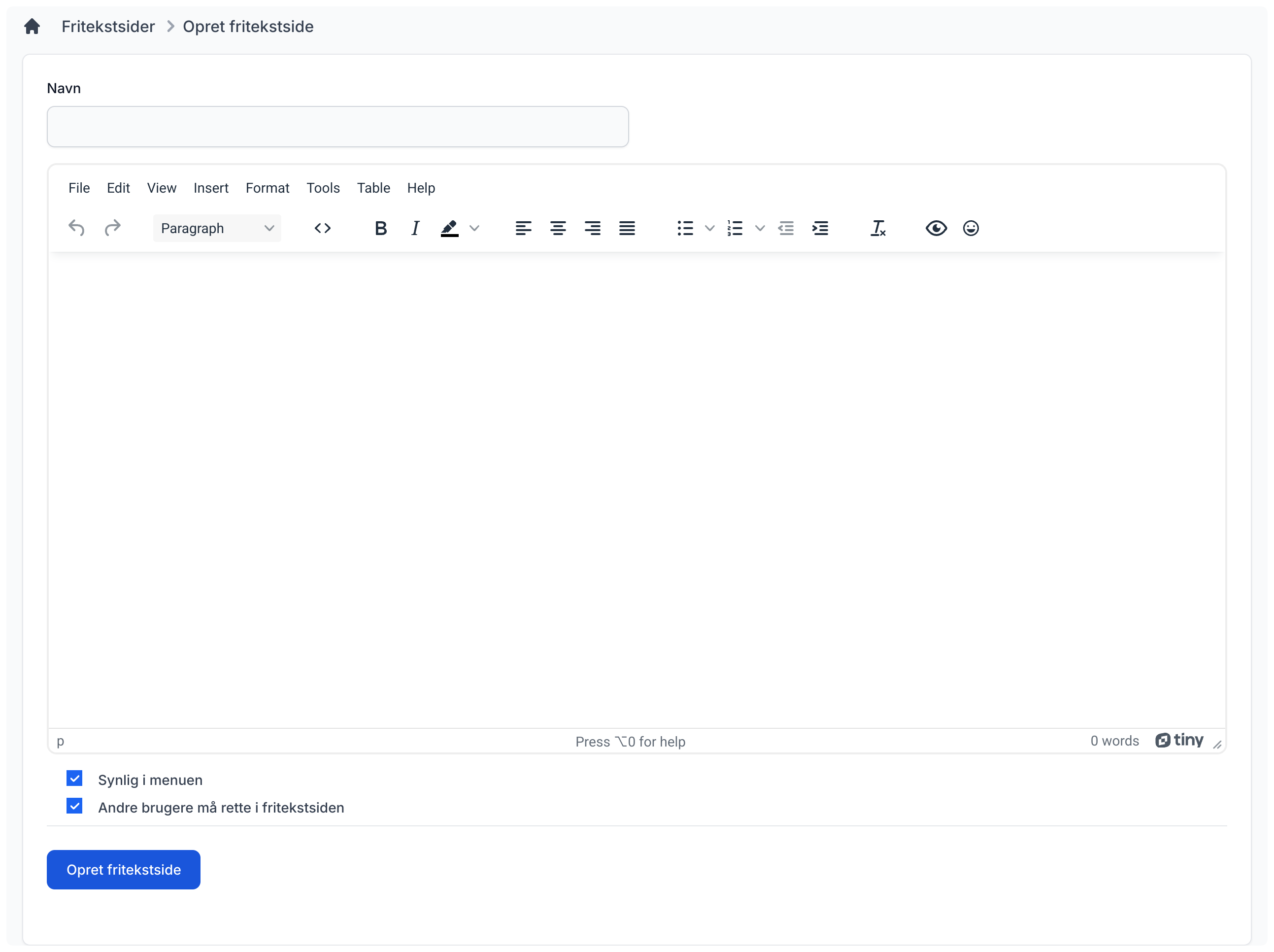
Create free text page
You need to give your free text page a name. This name will be used in the menu. After that, use our editor to build your free text page. You can also choose whether others may edit it or whether only you can.
Click "Create free text page" to create it.
Settings
As admin, you can choose whether users are allowed to create free text pages.