

On this page
Notifications
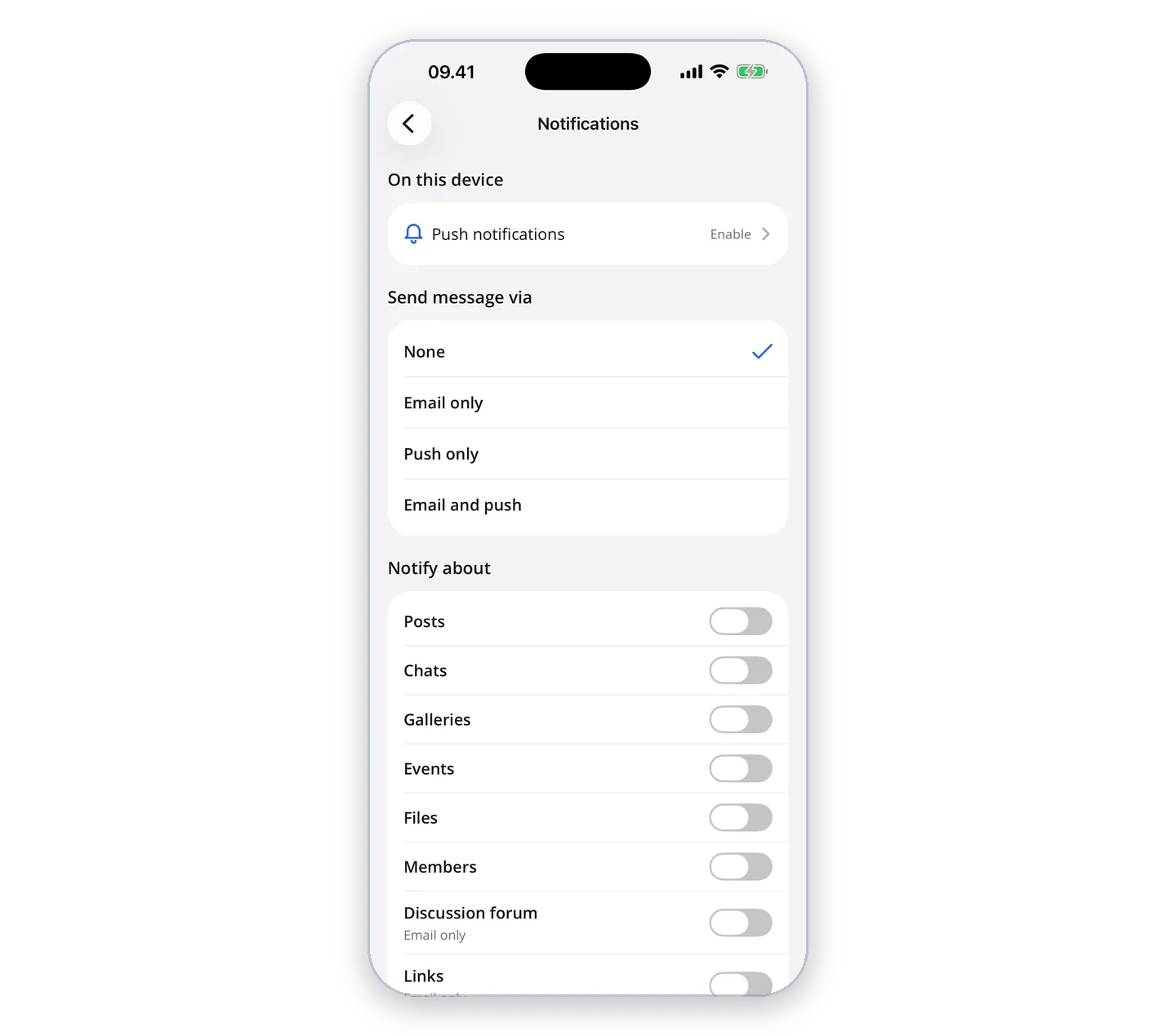
Turn on push notifications in the app, and choose for each group what you want to hear about, and whether by email, push or both.
The app can notify you with push notifications when there is something new in your groups. On the front page the app asks whether you want to be notified – tap "Enable" and allow notifications when your phone asks.
Choose what you are notified about
Under "More" → "Notifications" you choose for each group what you want to hear about – such as posts, chats, events, photos, files and new members – and whether it should be by email, push or both. The settings are the same as the group's notifications on igroups.io, so what you choose also applies to your emails.
If you said no to notifications on your phone, turn them on for iGroups in your phone's settings. The app still fetches what is new when you open it.