
On this page
Groups and menu
How to switch between your groups in the app, and how to customise the menu at the bottom with the group's apps.
Switch between groups
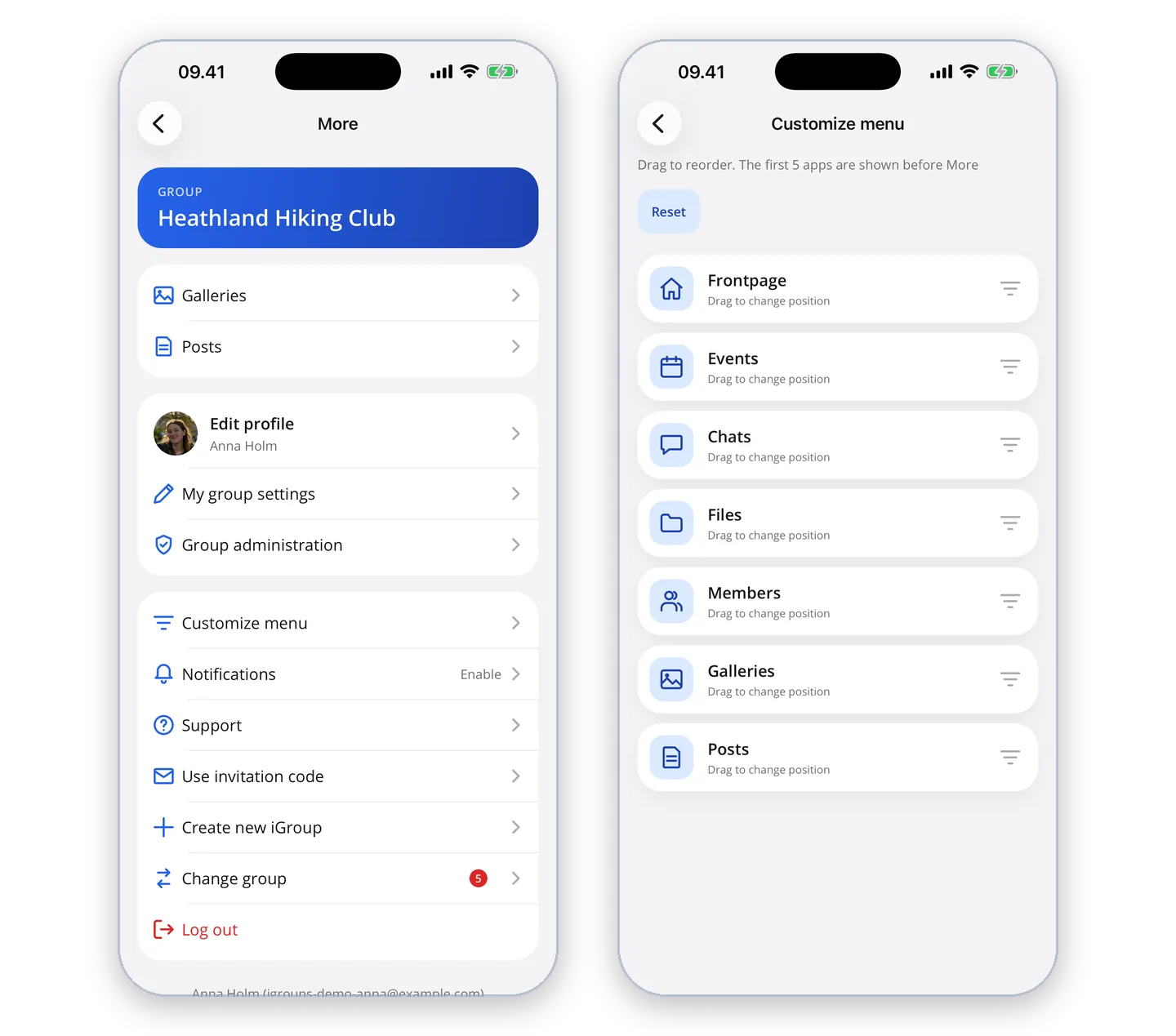
If you are a member of more than one group, you choose a group when you log in, and the app remembers the group you used last. To switch group, tap "More" (the three dots in the menu at the bottom) and choose "Change group". If there is something new in your other groups, a number is shown next to "Change group".
The menu
At the bottom of the screen is a menu with the group's apps. It only shows the apps the group has switched on. The first five are in the menu, and you find the rest under "More" – for example the group's free text pages.
You decide the order yourself under "More" → "Customize menu", where you drag the apps up and down.