
On this page
Create profile
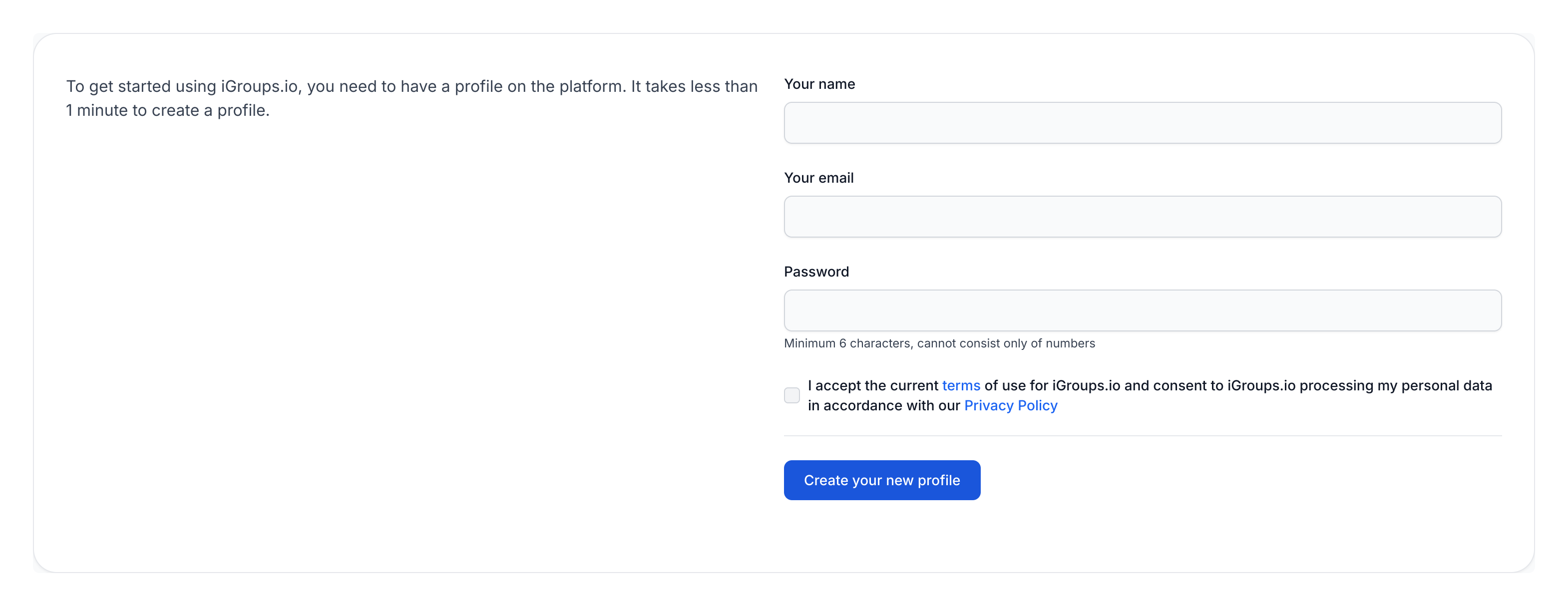
To create a profile on iGroups, we need your name, your email, and a password. Once you have accepted our terms and privacy policy, click "Create your new profile". The system will then send an email to the address you entered. That email contains a link that you must click to confirm the creation of your profile.
I have been invited?
If you have received an invitation to a group, simply follow the instructions in that email. It will guide you through creating your profile and joining your new iGroup.