
On this page
Files
Overview of the files shared in your group. It is possible to create "unlimited" subfolders to organize all your files. If an uploaded file is an audio file, it can also be played directly on your computer or phone. Files that are used frequently in the group can be marked as favorites and will be shown at the top of the page for quick access for members.
Next to each folder and file, you can click the three dots to open a menu. This menu allows you to edit or delete the selected folder or file. If it is a file, it can also be marked or unmarked as a favorite.
Note: if you delete a folder, all content in it, as well as any subcategories and their content, will also be deleted.

Add folder
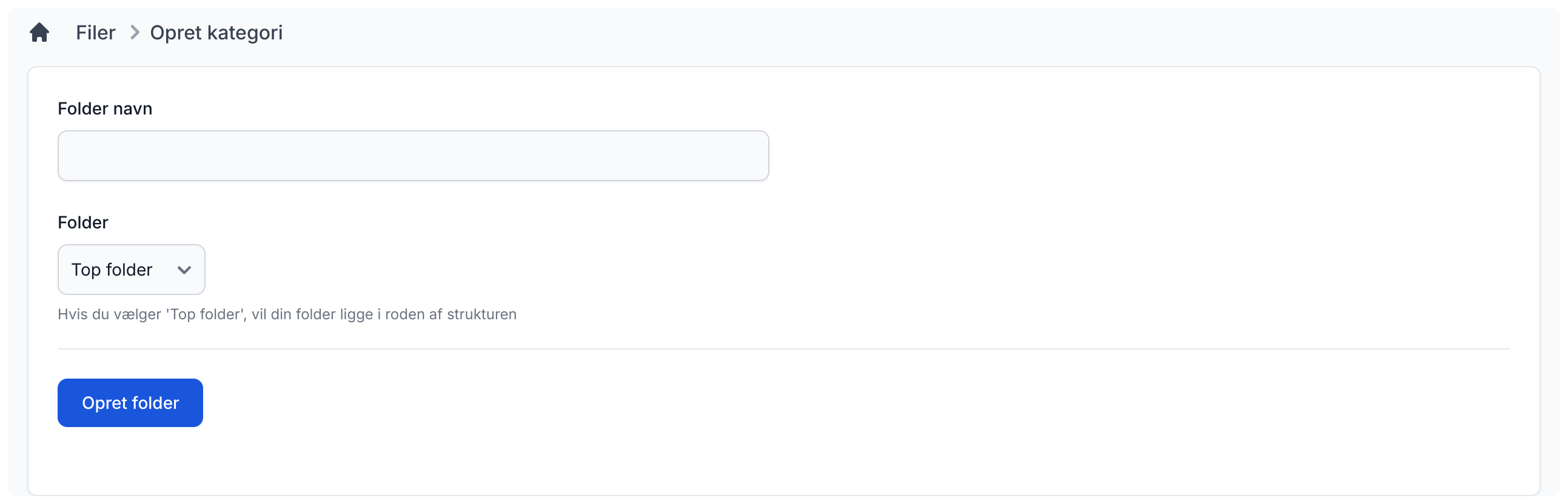
It is very simple to add a new folder. Enter the name, choose which folder it should be placed under, and click "Create folder" to create it. Then you can go into it and upload files.
Settings
Admins can decide whether everyone may create categories and add files or not. All users can choose how the files should be sorted: "Newest first" or "Alphabetical".