On this page
Edit profile
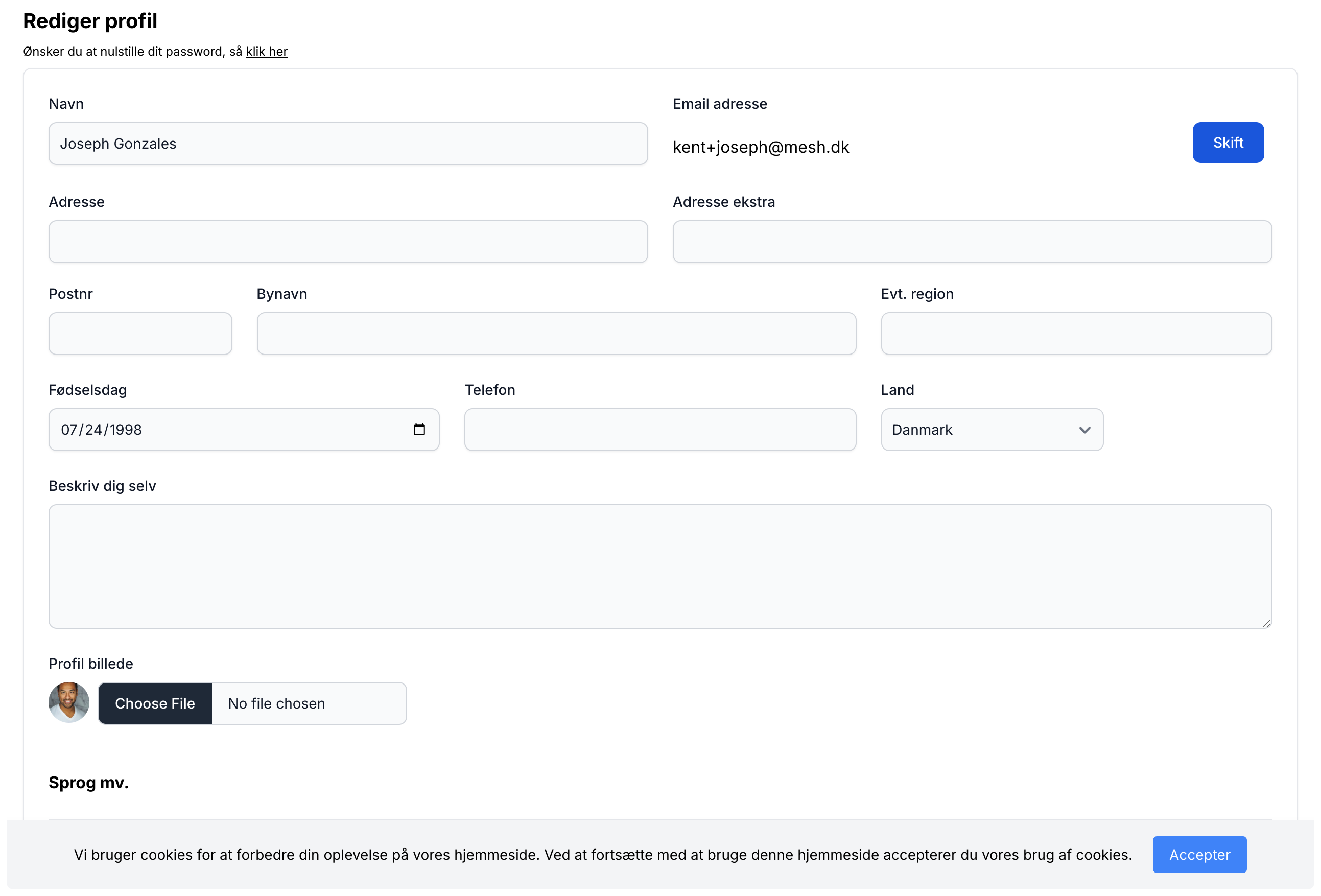
On this page, you can always change the information entered for your iGroups profile.
Note that you choose whether your profile data should be visible in each individual group via Settings on the group's front page.
Change email
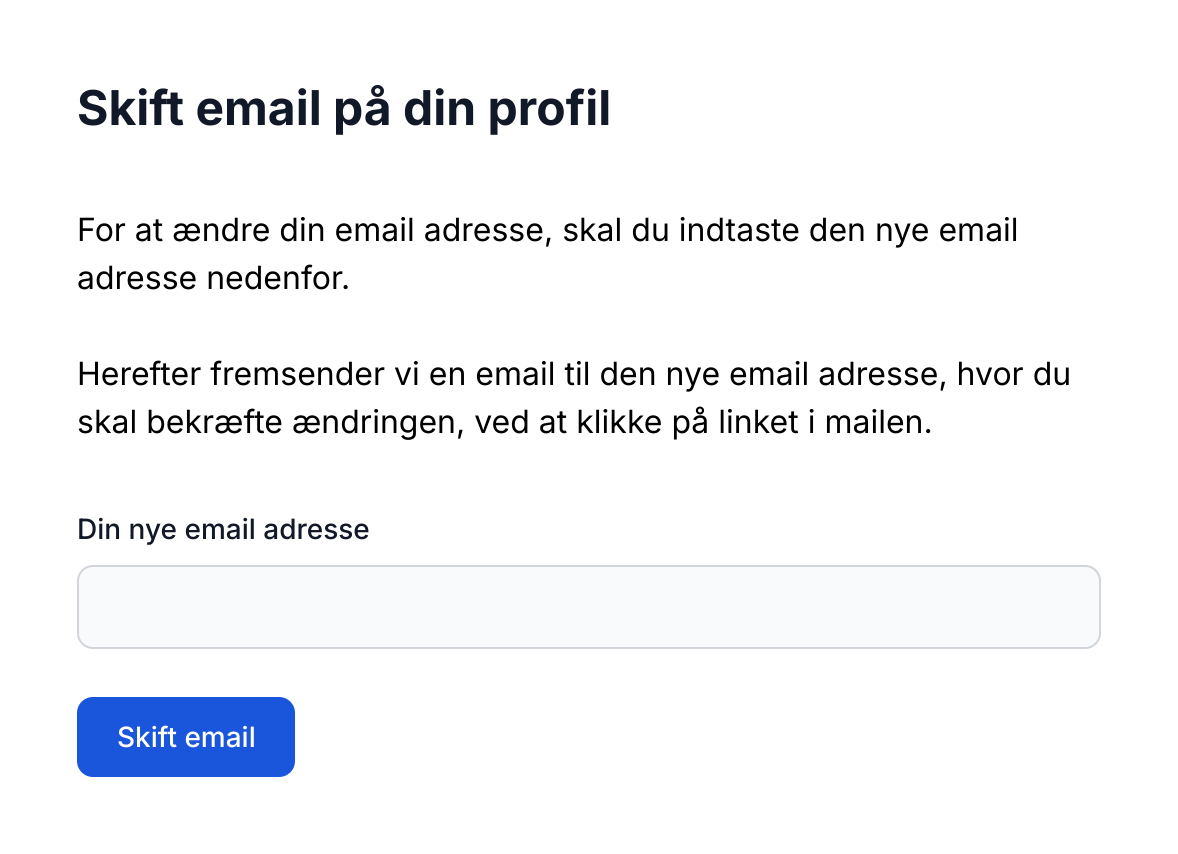
If you want to change the email you use for communication on iGroups, click the "Change" button next to your email address, which takes you to the page below. After you click the link in the email sent to you, your email address will be changed and will be the one you use going forward both for logging in and for receiving emails.
Change password
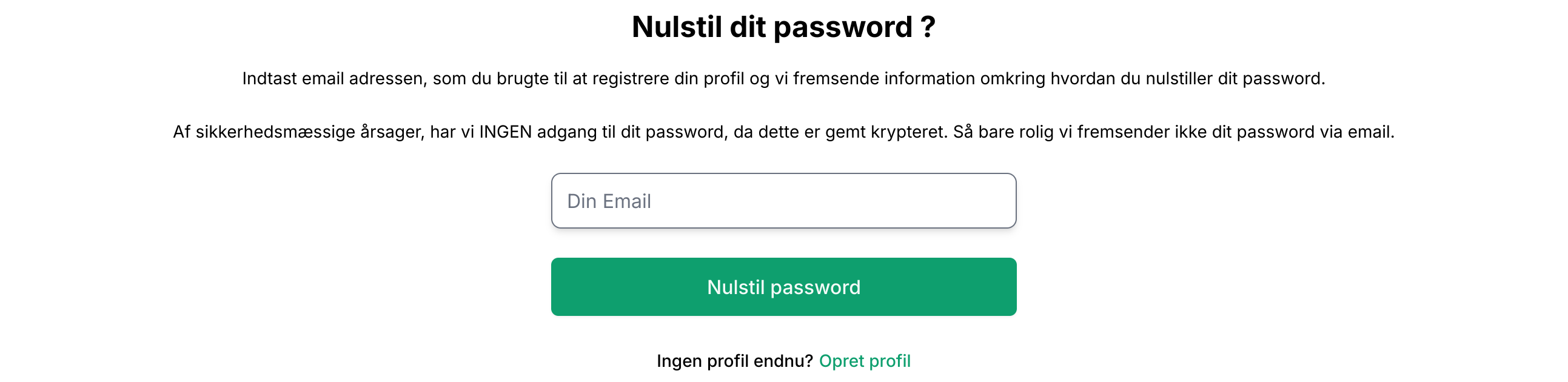
If you want to update the current password for your profile, click the link just below the "Edit password" text at the top of the profile page. Then enter your email address and the system will send you an email with more information about how to change your password.