
On this page
Links
This page allows all users to create link categories and add links to them along with a description of each link. In this way, you can save and remember important links for your association or company.

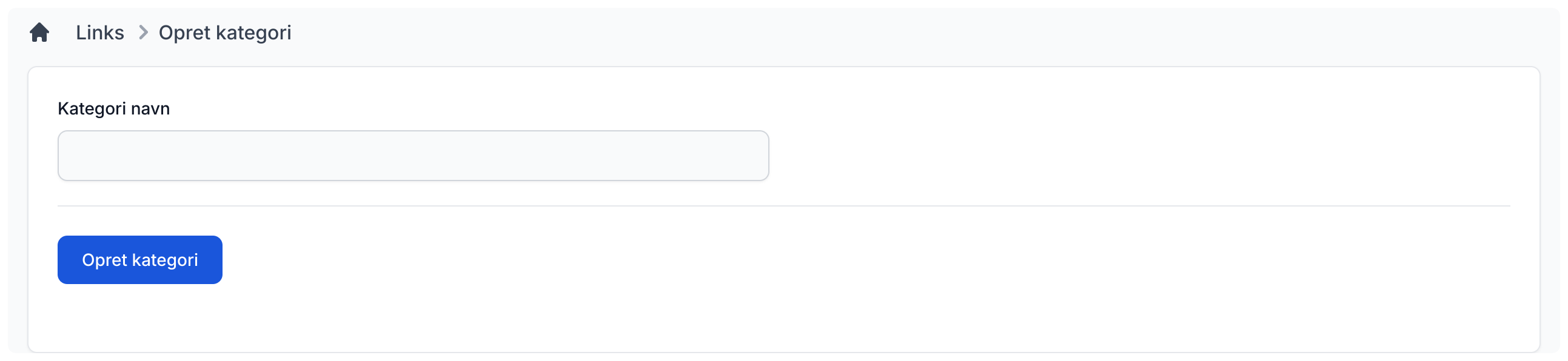
Create link category
It is very easy to create a new link category. Just fill in the category name and click the "Create category" button, and the new category will be created.
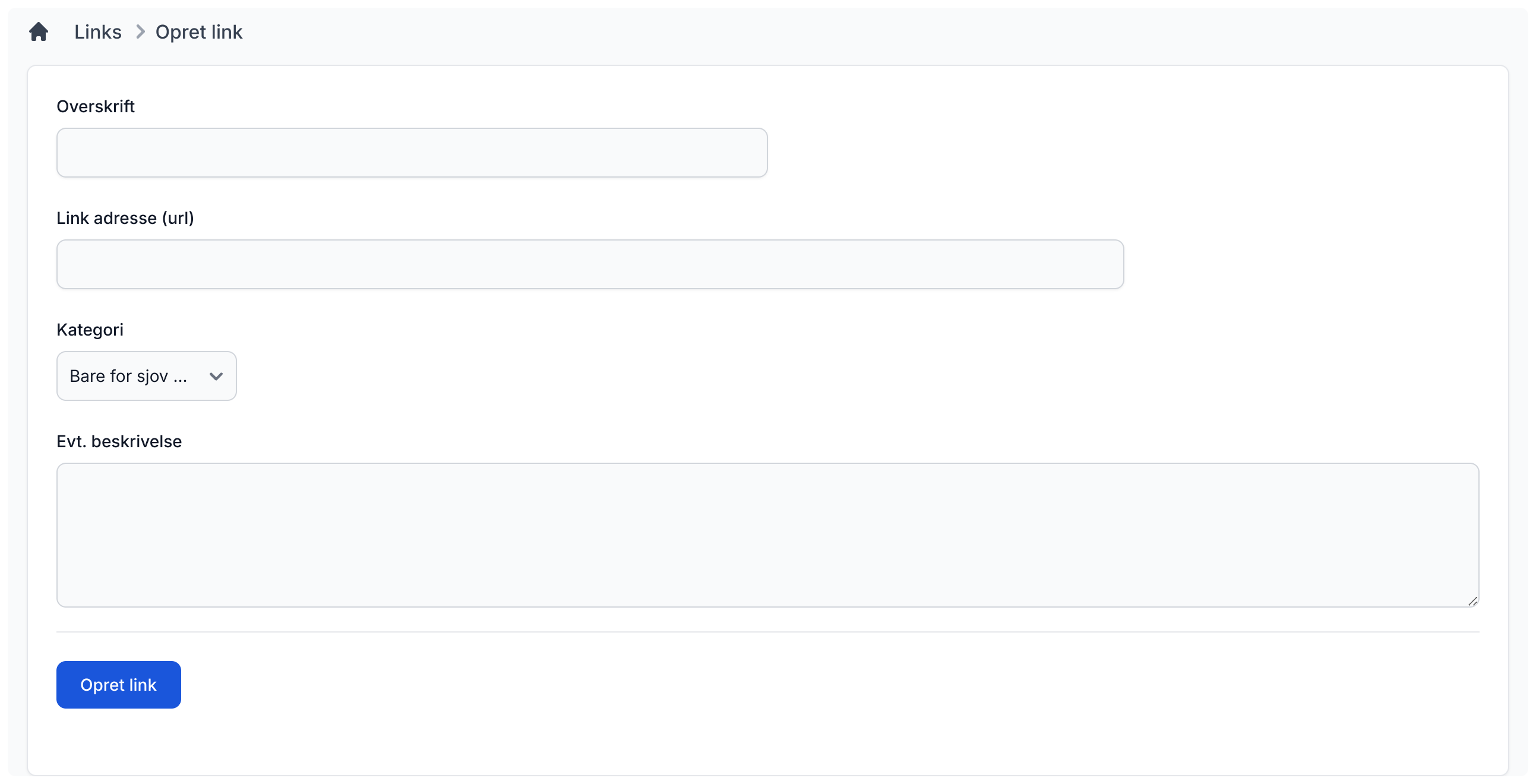
Create new link
If you want to add a new link to one of the categories, click "Create new link" from the links front page. Then fill in the main name of the link, the address of the link (remember to start with https://). You must also choose which category the link should belong to and optionally add a description that will be shown below the link in the overview. Then click "Create link" and the link will be added.
Settings
Admins can decide whether users are allowed to create categories or add links through the side menu with settings. This appears when you click the gear icon in the top-right corner of the page.