
On this page
Photo albums
Overview of all photo albums created in your group. Click an album to view the photos in it. If you are an admin or the owner of an album, you can also delete that album. Remember, this CANNOT be undone!

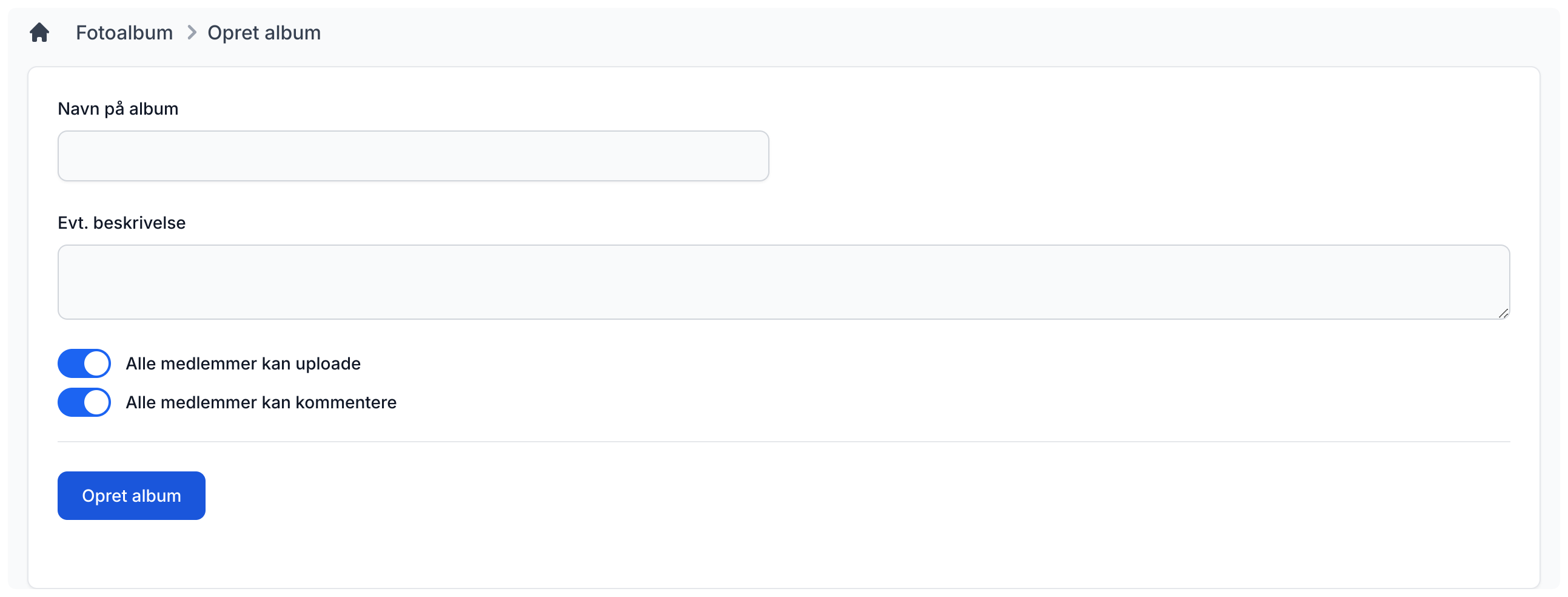
Create album
To create a new album, enter the name of the album and a description if you want. Then choose whether others may also add photos to the album and whether group members may comment on the photos. After that, click the "Create album" button. Your album will be created and you will automatically be taken to it, so you can add photos using the upload function.
View album photos
Here you can see all photos that have been added to the selected album. If you are an admin or the one who uploaded a specific photo, you can also delete it from the album.
Below the photos, you can add photos to the album if the creator allows it. It is also up to the creator whether it is possible to comment on the photos.

Settings
Admins can decide whether everyone can create albums or whether that is reserved for admins only. You can also choose how albums should be sorted: by "Created" or "Alphabetical".