
On this page
Member groups
This page gives you an overview of the member groups you have created for the group. If you want to edit or delete an existing member group, click the three dots on the far right of the group.

Create new member group
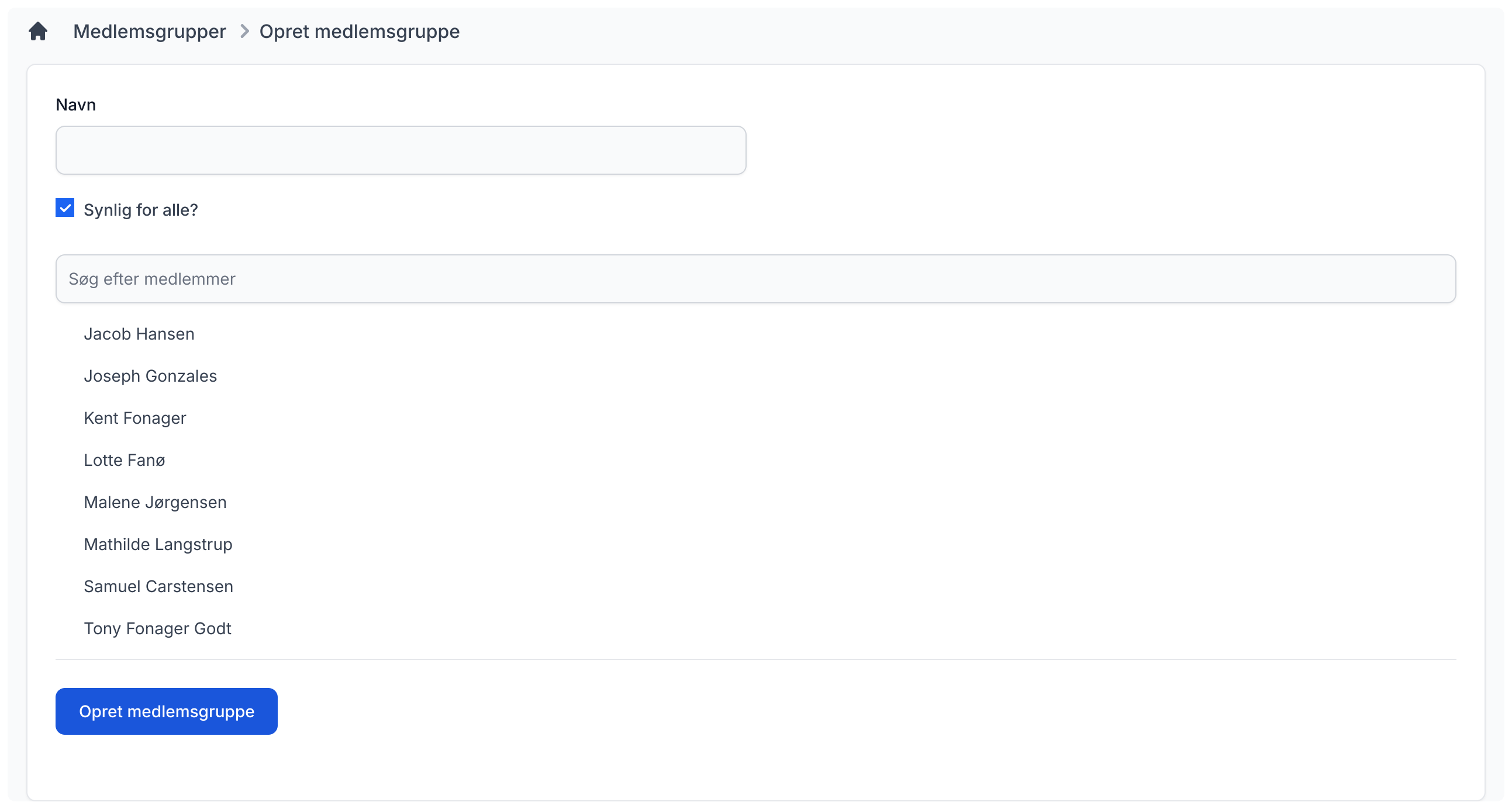
It is quite simple to create a new member group. Choose a descriptive name and then select the members who should be included in this group. If you want the member group to be visible to other members in the group, leave "Visible to everyone?" checked. Then click the "Create member group" button.
Edit member group
If you want to edit an existing member group, it works the same way as when creating one. You can choose the name and which members are included in the group.
Delete member group
If you want to delete a member group, do so by opening the small menu in the overview of your member groups.
Note: this action cannot be undone!